Caleb Turner

I recommend exploring the customization options available for your in-game decor to truly make your living space unique. Begin by gathering resources that can be used for crafting varied pieces. You’ll need wood, stone, and other materials readily available throughout your surroundings.
Once you have sufficient supplies, visit your crafting menu to experiment with different designs. Items like tables, chairs, and shelves can not only enhance the beauty of your home but also improve functionality. For example, building a cozy dining table set transforms your kitchen into a welcoming gathering place.
Also, consider placing decorative items around your property to personalize the outdoor space. Fences and pathways can guide visitors through your farm while giving it a distinct visual style. Utilize flowers, sculptures, or seasonal decorations to create a warm atmosphere that reflects your personality.
Don’t hesitate to frequently adjust your arrangement for a fresh look, discovering new ways to display your creativity. Enjoy the process of making your habitat truly yours, ensuring each space resonates with your unique sense of style.
How to Rotate Items in Your Home on the Switch
Access the inventory by pressing the appropriate button, usually ‘+’. Select the piece you wish to adjust. Hold down the button to swap the item into rotation mode. Use the analog stick to rotate it to your desired angle. Once satisfied with the position, release the button to finalize the arrangement.


Additional Tips for Placement
Consider the space available in your living area. Some objects require specific orientations to fit. Utilize the grid system effectively while placing items; they snap into place based on their designated squares. Experiment with various layouts to enhance the aesthetics of your environment.
Utilizing the Move Option
To reposition a previously set item, select it from your inventory and choose “move.” This function allows for continuous adjustments without needing to pick up and drop the item repeatedly. Use this feature to seamlessly create your ideal space.
Understanding Furniture Interactions
Engaging with various items around my homestead reveals numerous interactions that enhance gameplay. Each piece can be utilized in specific ways, combining aesthetics with function. Here’s a succinct overview of my experiences with these elements and their capabilities.
Placement and Usage
When I position certain pieces, their interactions become more evident. For example, some can serve as storage, while others allow for decorative enhancements. The placement determines the accessibility and functionality within my space.
| Item Type | Functionality | Interaction Type |
|---|---|---|
| Chests | Storage for items | Access any time |
| Fireplaces | Cook food and provide warmth | Interact during specific seasons |
| Decorative Items | Enhance beauty of the home | No direct interaction |
Interactivity with NPCs
Some pieces can be utilized to interact with non-playable characters. For instance, placing a specific item within view can influence their dialogues or reactions during visits. Understanding these nuances helps me manage relationships better.
Experimentation leads to discovering unique combinations that can create surprising interactions. Each choice reflects my personal style while also facilitating engaging social dynamics.
Accessing the Furniture Menu on Nintendo Switch
To access the furniture menu, make sure you are in your home or on your property. Press the “+” button on your controller to open the inventory quickly. In the inventory interface, navigate to the “Furniture” tab by using the shoulder buttons to cycle through the tabs.
Once you’re in the furniture section, you will see all the items you have collected and crafted. You can:
- Select an item by highlighting it and pressing the “A” button.
- Review details about the selected piece by pressing “X”.
- Place the item directly by choosing the “Place” option after selecting it.
For rearranging, use the directional buttons to select the placement area. Ensure there’s enough space to position the piece where you want it. If you’re looking to access the menu while outside, the same mechanics apply, but items are limited to outdoor options.
This method streamlines your setup as I switch between various décor pieces, helping to personalize my space efficiently.
Selecting the Furniture You Want to Turn
First, identify the specific pieces you wish to modify. Open your inventory and browse through your collection of items until you find the desired object. Prioritize items that can be crafted or are unique in design.
Focus on those that offer more aesthetic appeal or functionality in your homestead. Consider selecting items you rarely use, as this will refresh your space while also providing new options for arrangement.
Once you’ve pinpointed a selection, take note of their current condition and potential for enhancement. Certain objects, like tables or chairs, may hold more value when transformed, so assess what resources you have available for the upgrade process.
Don’t hesitate to combine styles; eclectic choices can breathe life into your environment. After narrowing down your options, prepare for the transformation by gathering necessary materials, ensuring you’re fully stocked before proceeding.
Using the Right Button Commands to Rotate Objects
Press the “A” button to select the object you desire. Once selected, hold the “R” button to initiate the rotation function. This control allows for precise alignment of the items in your space.
To ensure smooth movement while adjusting placement, utilize the left joystick for subtle positioning of the selected object. This approach minimizes misalignment, resulting in a seamless layout.
Follow these steps for optimal results:
- Select the item with the “A” button.
- Hold the “R” button to activate the rotation feature.
- Adjust positioning with the left joystick as needed.
If you experience difficulty aligning the object, consider moving closer to the intended location to enhance visibility during adjustment.
Mastering these commands can significantly enhance the aesthetics and functionality of your living space.
Tips for Rotating Different Types of Furniture
To effectively adjust various items, observe the following recommendations tailored for specific categories:
- Chairs: Rotate seating by facing the character towards the desired direction and pressing the relevant button. This ensures aesthetics align with your room’s layout.
- Tables: For larger surfaces, approach from an angle. Make use of diagonal positioning to optimize space use and visual appeal.
- Decorative Items: Smaller objects like vases or picture frames can be repositioned easily. Use precise movements to achieve desired orientations without clutter.
- Storage Units: Ensure accessibility when adjusting storage pieces. Align them with pathways to facilitate easy access to contents.
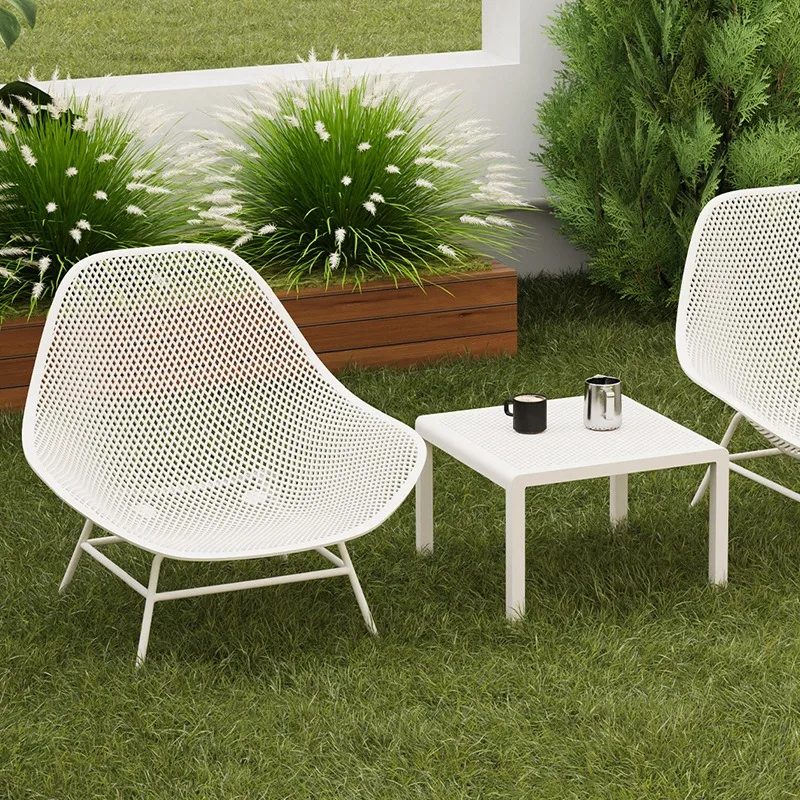
- Outdoor Furniture: For patio settings, focus on interaction with environmental elements, such as sun exposure. Positioning can enhance outdoor aesthetics.
- Crafting Stations: When setting up workbenches or fireplaces, prioritize functionality alongside visual appeal. Adjust them to maximize workspace efficiency.
Experiment with layout to find combinations that best suit your living spaces. A thoughtful arrangement not only improves functionality but also enhances the overall ambiance of your homestead.
Exploring Placement Strategies
Utilizing corners can maximize the space in your room. Position items at angles in the corner to create a cozy atmosphere, enhancing room aesthetics. This approach works especially well with larger pieces like beds or couches.
Layering is another effective technique. By placing smaller items in front of larger ones, I create depth and visual interest. For example, pairing a coffee table with a sofa allows for a functional yet stylish arrangement.
Consider using symmetry for balance. Align chairs on either side of a table to create a harmonious layout. It not only looks pleasing but also encourages social interactions during gatherings.
Make good use of vertical space. Shelves can be placed high on walls, allowing for decorative items or plants to draw the eye upward, making the room feel larger.
| Strategy | Description |
|---|---|
| Corner Placement | Utilize room corners to position larger pieces at angles, enhancing the coziness. |
| Layering | Arrange smaller items in front of larger ones for depth and visual appeal. |
| Symmetry | Align items on either side of a central piece for a balanced, inviting setup. |
| Vertical Use | Employ wall-mounted shelving to keep floors spacious while adding decoration. |
Experimenting with these strategies will allow for a unique and visually appealing arrangement. Each room has its own character, so feel free to mix and match!
Repositioning Furniture for Optimal Space Utilization
To maximize room efficiency, I focus on arranging items by considering their functionality and visual appeal. Placing storage units near frequently used areas helps streamline access. For example, positioning a chest by the entrance allows for quick item organization.
Utilizing corners can create cozy nooks. I often place seating or decorative pieces in these spaces to add character while maintaining openness. Experimenting with different layouts helps me visualize the best arrangement for movement and accessibility.
Grouping similar items not only clarifies organization but also enhances aesthetic harmony. By aligning chairs around a table or clustering decor elements, I find the space feels more cohesive.
I also pay attention to pathways. Ensuring there’s enough room for functionality prevents cluttered areas. I measure spaces where I plan to place larger items, making sure they won’t obstruct movement.
Lastly, I frequently reassess placements after making adjustments. This adaptive strategy allows me to refine layouts, ensuring every item serves a purpose without feeling out of place.
Common Issues When Turning Furniture and Their Solutions
A frequent problem I encounter is that the item doesn’t rotate smoothly. If this happens, I check the placement of surrounding objects. Sometimes, clutter can obstruct movement. Clearing the area often resolves this issue.
If the controls are unresponsive, I ensure my console’s software is updated. Glitches can arise from outdated systems, so I keep my device current. Restarting the game can also refresh input settings.
I’ve also faced situations where the rotation command seems to be ignored. In these instances, I verify that I’m selecting the right object and not accidentally trying to manipulate something else. Double-checking my selection can save time.
Another challenge is when I try to reposition an item but find it snapping back to its original location. This usually indicates that I’m attempting to place it in an invalid space. I look for open areas to relocate the piece, guaranteeing proper alignment.
Occasionally, I experience a lack of variety in object orientation, especially with specific types of decor. To tackle this, I explore the furniture menu to see if alternative arrangements are permissible or if any settings might adjust how items are placed.
Sometimes I wish to rotate multiple pieces at once. If it feels cumbersome, I focus on one at a time to improve efficiency. Grouping them can lead to confusion and frustration.
For items that can’t be repositioned individually, I investigate whether they share a connection with other objects. I may need to move linked items together before unlocking their mobility.
Enhancing Aesthetics by Mixing Furniture Orientation
Experimenting with different arrangements can significantly elevate the visual appeal of your space. I often begin by combining various orientations, placing some items perpendicular to others to create a layered effect. For instance, positioning a sofa parallel to a coffee table can provide clean lines, while angling a chair adds a dynamic touch.
Creating Balance and Focal Points
Establishing focal points enhances overall design. I make sure to orient key pieces, like a bed or a dining table, towards the main entrance or a scenic view. This invites visitors into the space and creates a sense of flow. Surround these focal pieces with complementary elements at varying angles. This contrast not only emphasizes the centerpieces but also invites exploration of the entire area.
Using Color and Texture to Enhance Spaces
Mixing orientations is more than just physical placement; it involves considering color and material as well. I prefer combining sleek, modern items with rustic accents to create visual interest. When placing vibrant objects at an angle, they draw attention and enhance the interplay of textures, making the environment feel cohesive yet vibrant. Regularly updating arrangements keeps the aesthetic fresh, allowing me to enjoy new perspectives.